Professional invoice details
Add your business, client, line items, payment terms and notes in one straightforward flow.
Use this invoice generator to add the work, price and client details. FlexyInvoice organises everything into a professional invoice you can review, download and send.

Professional documents without complicated accounting software.
Everything an invoice needs
Build a complete client invoice without wrestling with spreadsheets or designing a document from scratch.
Add your business, client, line items, payment terms and notes in one straightforward flow.
Use your own currency and configure VAT, GST, sales tax or another tax name and rate.
Present your work clearly with a business logo, accent colour and a professional document layout.
Review the completed invoice, create the PDF and share it with your client from any device.
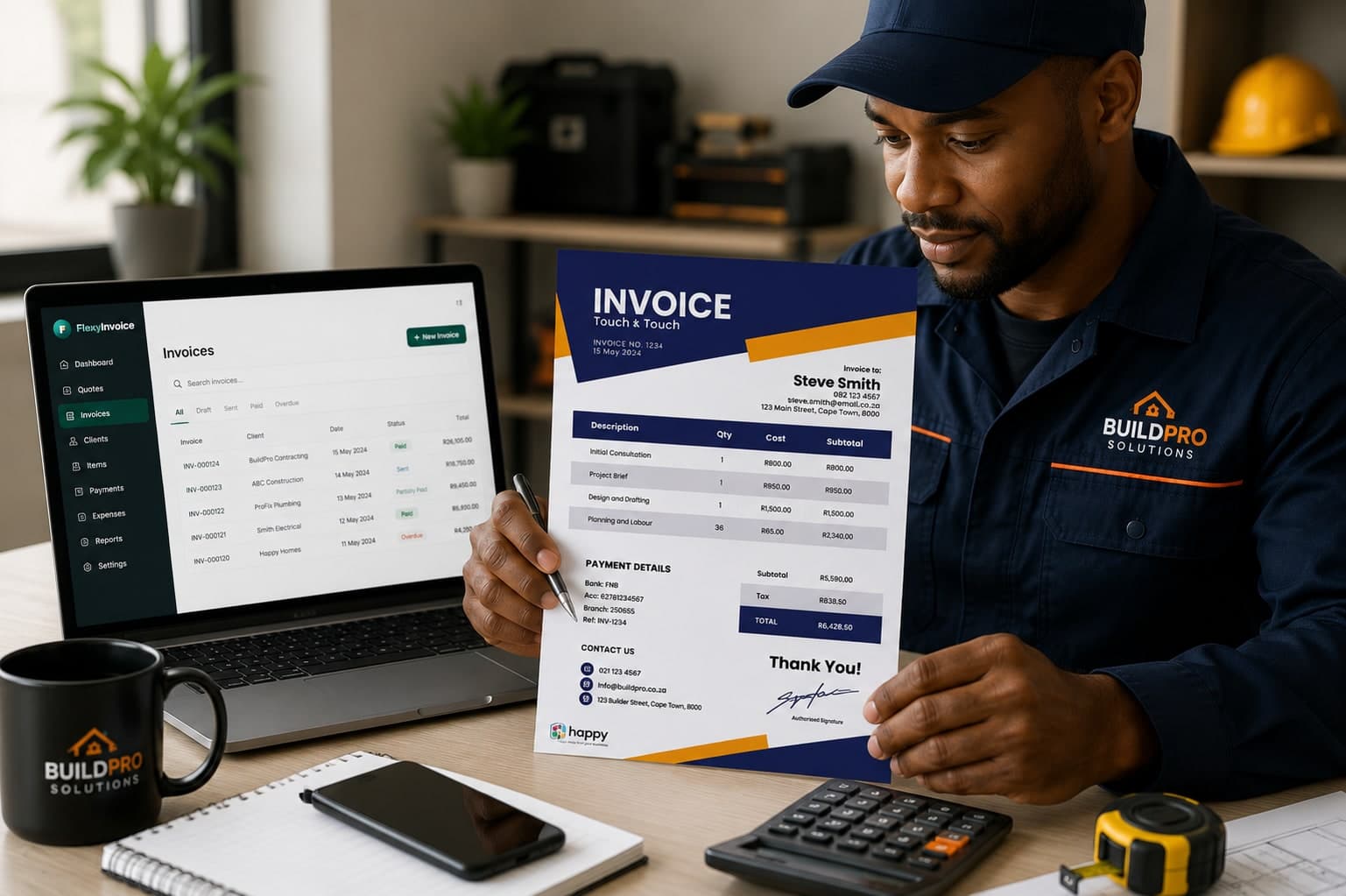
Made for real client work
Keep the document clear, consistent and easy for your client to pay. FlexyInvoice remembers the details that should not need typing twice.
How it works
Add the client, services, quantities and prices—or describe the job naturally to Flexy.
Check the line items, tax, dates, notes and total. Edit anything that needs changing.
Confirm the invoice, generate the PDF and share it with the client while the work is fresh.
Common questions
Yes, for your first 14 days. Every plan starts with a free trial: add a card, pay nothing until the trial ends, and cancel any time before.
Yes. Set the three-letter currency code and configure the tax name and rate for your business, including VAT, GST or sales tax.
Yes. After you review and confirm the invoice, FlexyInvoice creates a professional PDF that is ready to share with your client.
No. FlexyInvoice prepares the draft, but you must review and approve it before the final PDF is created.
14-day free trial
Start with the details you already know. Try it free for 14 days, and nothing is final until you approve it.
Need to price work first? Try the quotation generator